A website redesign checklist for small business owners
Two Scoops Web ·
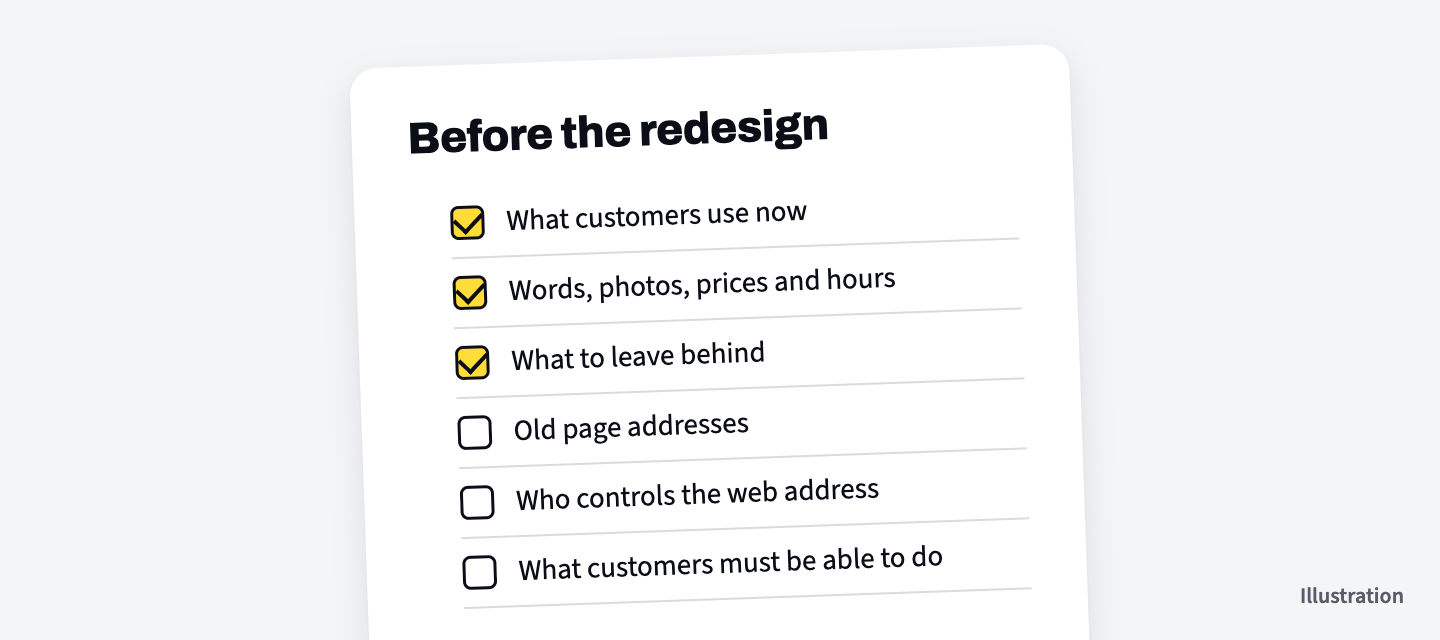
A website redesign checklist for a small business owner covers the things only you can gather or decide before the work starts: what customers use on your site now, what has to carry over, what to leave behind, which old links must keep working, who controls your web address, and what the new site must let customers do.
All of it comes down to knowing your business. Whoever builds the new site can handle the rest. They can't guess this part.
What's on a website redesign checklist
A website redesign checklist has six items, and each one ends with a list you make or a decision you write down.
- Note what customers use on your site now.
- Gather the words, photos, prices and hours that must carry over.
- Mark what to leave behind.
- List the old page addresses people still use.
- Find out who controls your web address and your current site.
- Decide what the new site must let customers do.
Keep it all in one document and one folder.
Note what customers use on your site now
Start with the pages and features customers use on your current site, because those are the ones a new site can't lose.
Think about the last few times a customer mentioned your website. Maybe they checked your hours, read the menu, sent the form or pulled up directions. Each of those goes on the list.
Then open your site on your phone and use it the way a customer would. Write down every page you land on and every button you tap to get what you came for. If something takes three tries to find, write that down too. It's a thing the new site should fix.
Ask whoever answers your phone what people call to ask. If the answer should have been on the site, add it.
Gather the words, photos, prices and hours that must carry over
Copy everything you want on the new site into your document and folder now, so nothing that matters gets left on the old site by accident.
- Words. Your service descriptions, your about page, the answers to questions people ask. Copy them over even if you plan to change them. It's easier to edit something than to start from a blank page.
- Photos. The originals, from your phone, your camera or whoever took them, at the biggest size you have.
- Prices and hours. Check each one is right today. A new site repeats whatever you hand over, mistakes included.
- Files. A menu, a price sheet or a form you post as a PDF. Keep the file itself.
Mark what to leave behind
A redesign is the easy time to drop pages that no longer fit your business, so mark anything out of date before you hand the list over.
Services you stopped offering. Staff who've moved on. A sale that ended two summers ago. Leaving them off means less to build and less to keep up later.
If an old page still matters to customers, like a service you renamed, write down what replaced it. You'll need that for the next item.
List the old page addresses people still use
Every page on your site has its own address, and people have saved some of them, so list the ones that matter and ask that each one point to its new page when the new site goes live.
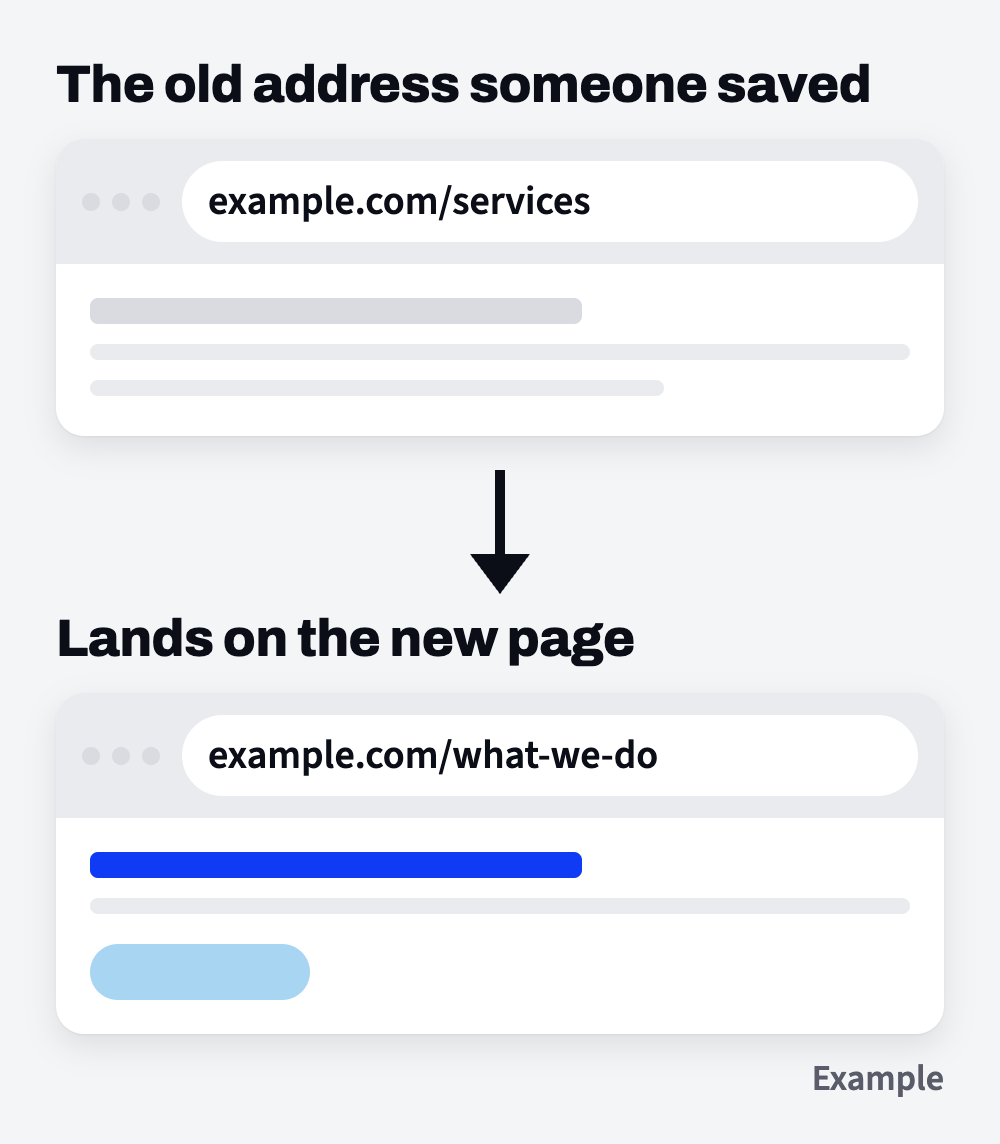
The address is what shows in the bar at the top of your browser, like example.com/services or example.com/book-online. People bookmark them. Other sites link to them. They may be printed on a flyer, sitting in an old email or pinned to a social post.
When the new site goes live, each old address should send people to the page that replaced it. Then a bookmark or an old flyer still gets people to the right page, and nobody lands on an error page.
To make the list, click through your current site and copy each address into your document next to the page's name. Put a star by the ones you know are out in the world. Then ask whoever builds the new site to confirm in writing that every old address will point to the page that replaced it.
Find out who controls your web address and your current site
Before the switch, find out who can log in to your web address and your current site, because the new site can't go live at your address without that person.
Your web address is the example.com part, and someone holds the login for it. Going live means someone with that login points the address at the new site. Write down whose name it's in, who can log in today and when it's due to renew.
Do the same for your current site. If a past web person, a former employee or a helpful nephew set it up, reach out now, while there's no rush.
If your business email ends in the same web address, write that down too, and tell whoever makes the switch.
Decide what the new site must let customers do
Write down each thing a customer should be able to do on the new site, and where each one should end up, because only you know where calls and messages should go.
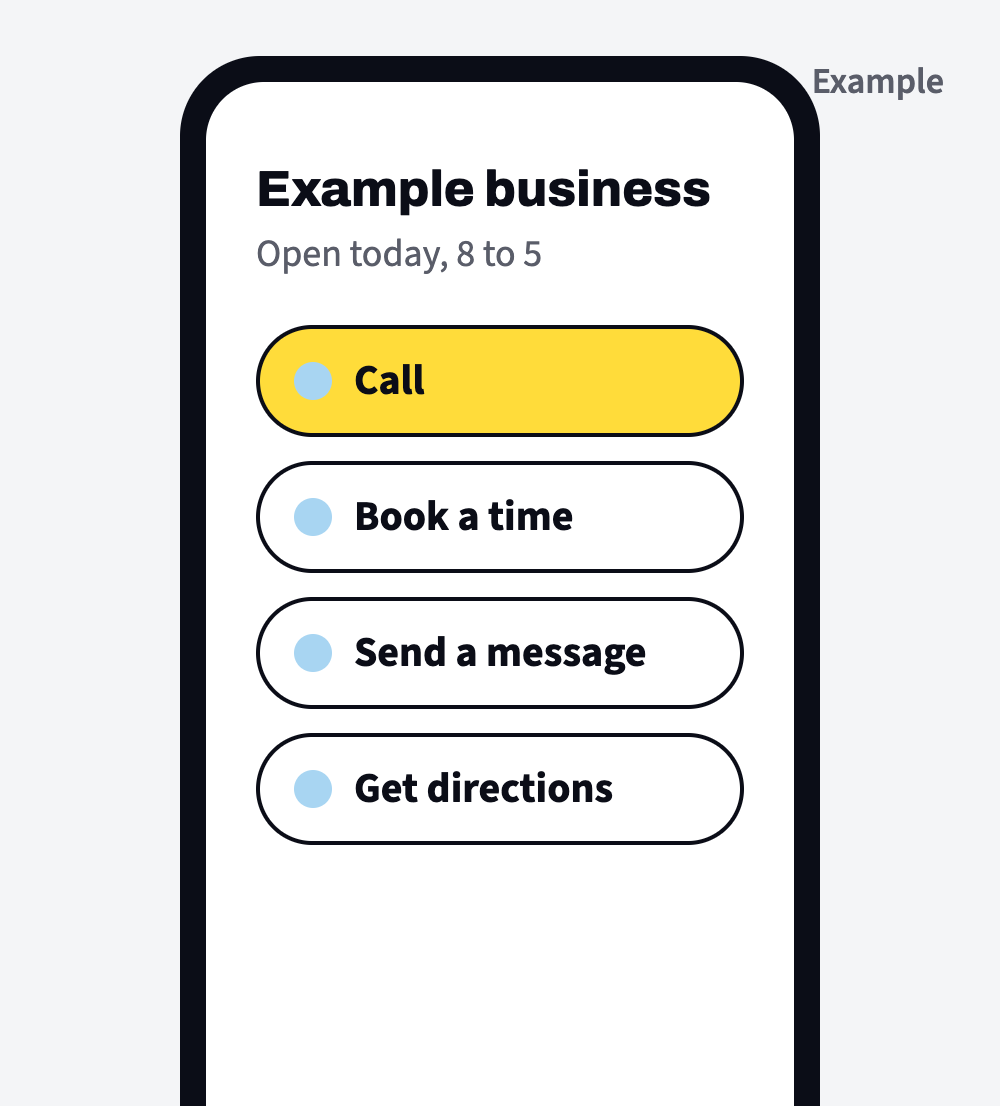
- Call you. Which number, and whether it should be one tap from a phone.
- Book. If you take bookings, which booking page they should reach.
- Fill in a form. What you need to know from them, and which inbox gets the message.
- Find you. Your street address and directions, if customers come to you.
- See prices. Which ones you want on the site.
Once these six items are done, the part only you can do is written down in one place. If you're weighing a redesign with us, our website redesign page covers when a site needs one, what a redesign includes and what happens to your current site.