Can you export a Wix website? What you can download
Two Scoops Web ·
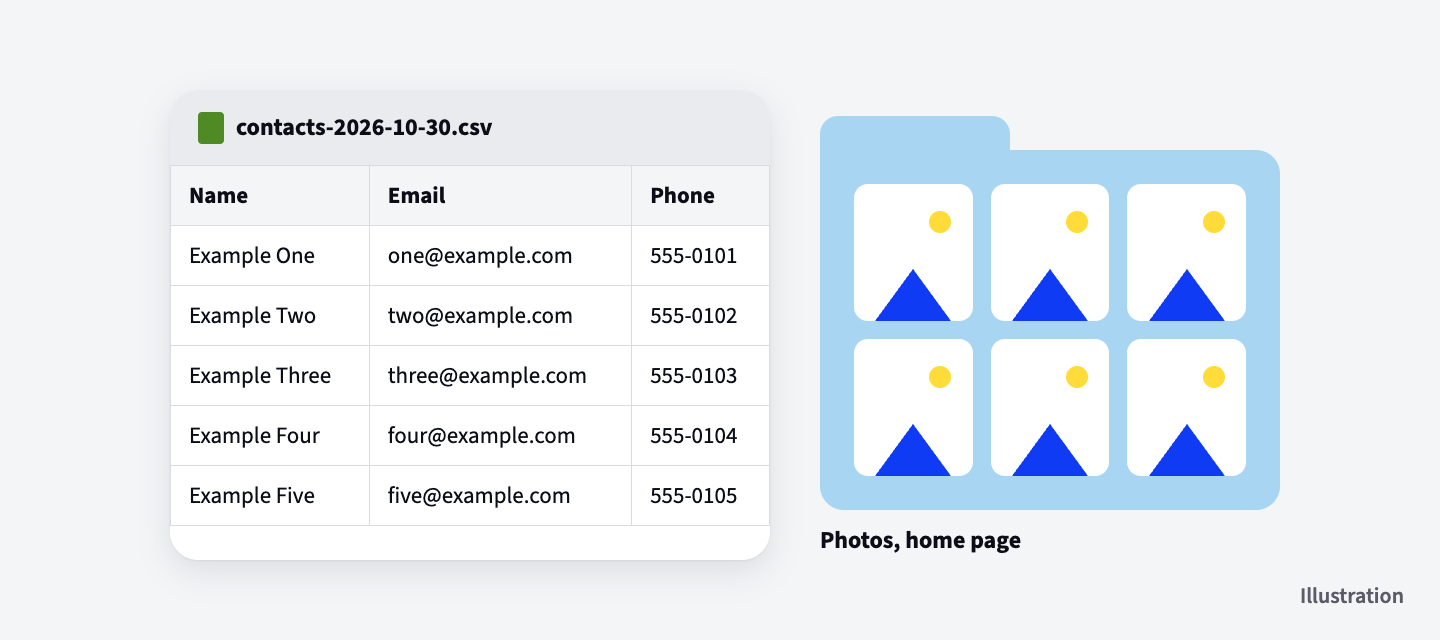
You can't export a Wix website as a whole, because Wix's own help center says a Wix site has to run on Wix's servers to work. What you can download is the records and files inside it: your contacts, form entries, products, orders, invoices and bookings as spreadsheets, and the photos and videos you uploaded.
Everything below comes from Wix's help pages, checked on October 30, 2026. If a button has a different name when you look, search Wix's help center for the item and "export".
Can you export a Wix website?
A Wix website can't be exported and run somewhere else. Wix's help page on it says, "In order for your site to work properly, it needs to be hosted and operated on Wix's servers." It also says "the reason you can't use another host for your Wix site" is that it "uses Wix's proprietary technology and relies on Wix's services to operate."
The same page is clear about who owns what: "the content you build on Wix belongs to you." So your words and files are yours.
What you can download from Wix
Wix lets you download your business records and your own photos and videos, one kind at a time, from your site's dashboard. Most come out as CSV files, a plain spreadsheet file you can open in a spreadsheet app. Invoices can also come out as a PDF.
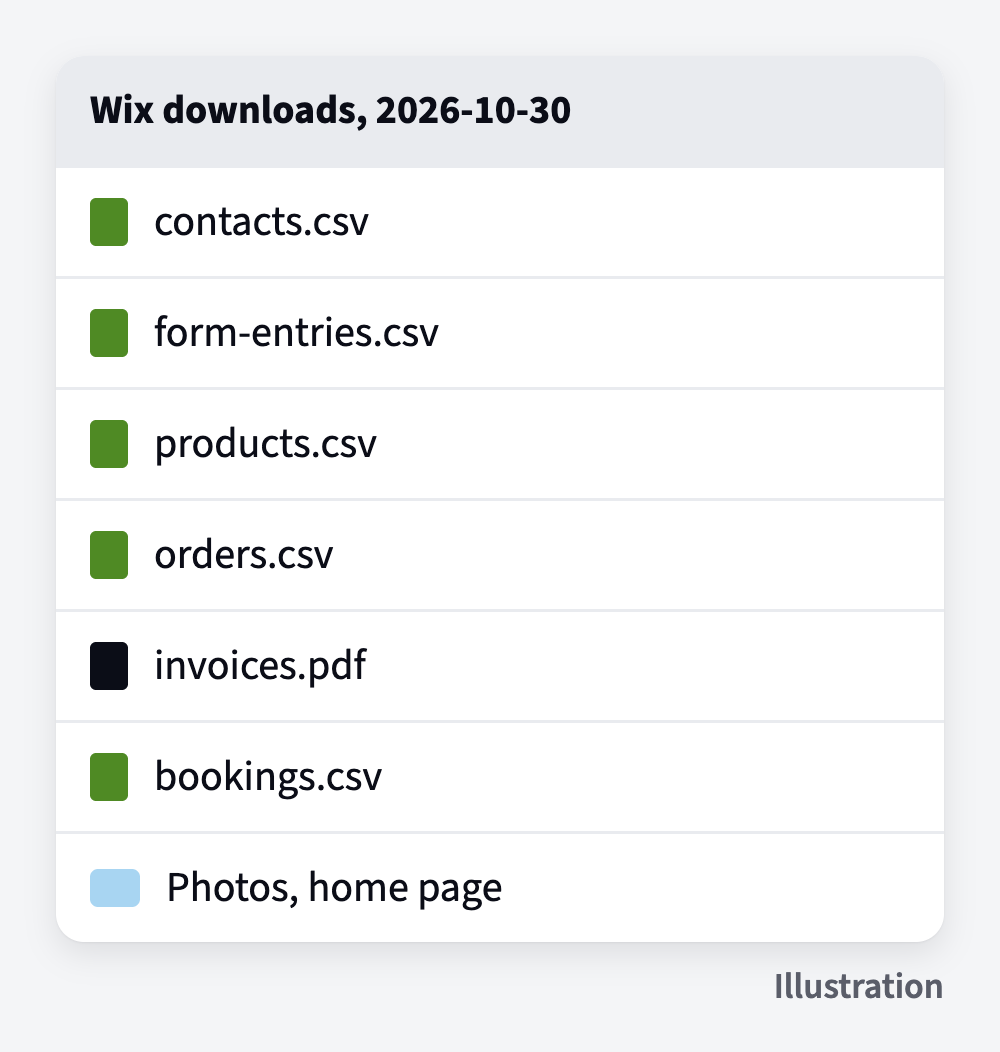
Your contacts
Go to Contacts, click the Import / Export drop-down, then Export. Pick all your contacts or a group, choose the regular CSV file, and save it. Wix says "you can export up to 50,000 site contacts at once" and that "only the site owner can export contacts," so do this from the owner's login.
If you only have time for one download today, start here. These are the people who already know your business.
Your form entries
Go to Forms & Submissions, click the More Actions icon next to a form, and choose View submissions. Tick the entries you want, click Export, and pick the data to include. Each form has its own table, so repeat this for every form. One catch: Wix says "all dates and times are exported in UTC," a world clock time, so the times won't match your local clock.
Your products
Go to your store's products, tick the box at the top left to select them all, click More Actions, then Export. Wix says you can export "up to 5,000 rows per CSV file," and each product, each version of it (like a size or color) and each of its photos gets its own row. Wix also says "exporting digital products is not currently supported." Physical products come out. Downloads you sell don't.
Your orders and invoices
Go to Orders, tick the box next to Order to select them all, and click Export. You choose one row per order or one row per item, and you can untick columns you don't need. Wix says purchase times are "always given in Coordinated Universal Time (UTC)," the same world clock as the form entries.
For invoices, go to Invoices, select them, and click Download PDF or Export to CSV. Wix says you can export "up to 5,000 invoices to CSV" and download up to 50 at a time as one PDF.
Your bookings
Go to Booking List and scroll to the very bottom first. Wix says "the booking list loads in sections," and you need to "scroll down to the very end of the page so they all load." Then click the Export icon and choose All. Export again on the day you switch, so the newest bookings are in it.
Your photos and videos
Open the Media Manager, hold Command (on a Mac) or Control (on a PC), click the files you want, and click Download. Wix says "you cannot bulk download all your media files at once. However, you can select and download multiple files within a folder." So it's one folder at a time. Files inside a Board folder have to be downloaded one by one.
Give each folder you download the same name it has in Wix. When you put the photos on a new site, you'll know where each one came from.
Other lists on your site, like a menu or a team page
If your site has its own lists, like a menu, a team page or a set of listings, each one exports too. Go to CMS, open the list you want, click More Actions, then Export to CSV, and choose to export the entire collection (Wix's word for a list).
What you can't download from Wix
Wix has no download for the words on your pages, your blog posts, your booking services or the free photos from Wix's libraries. Plan to copy or replace each one.
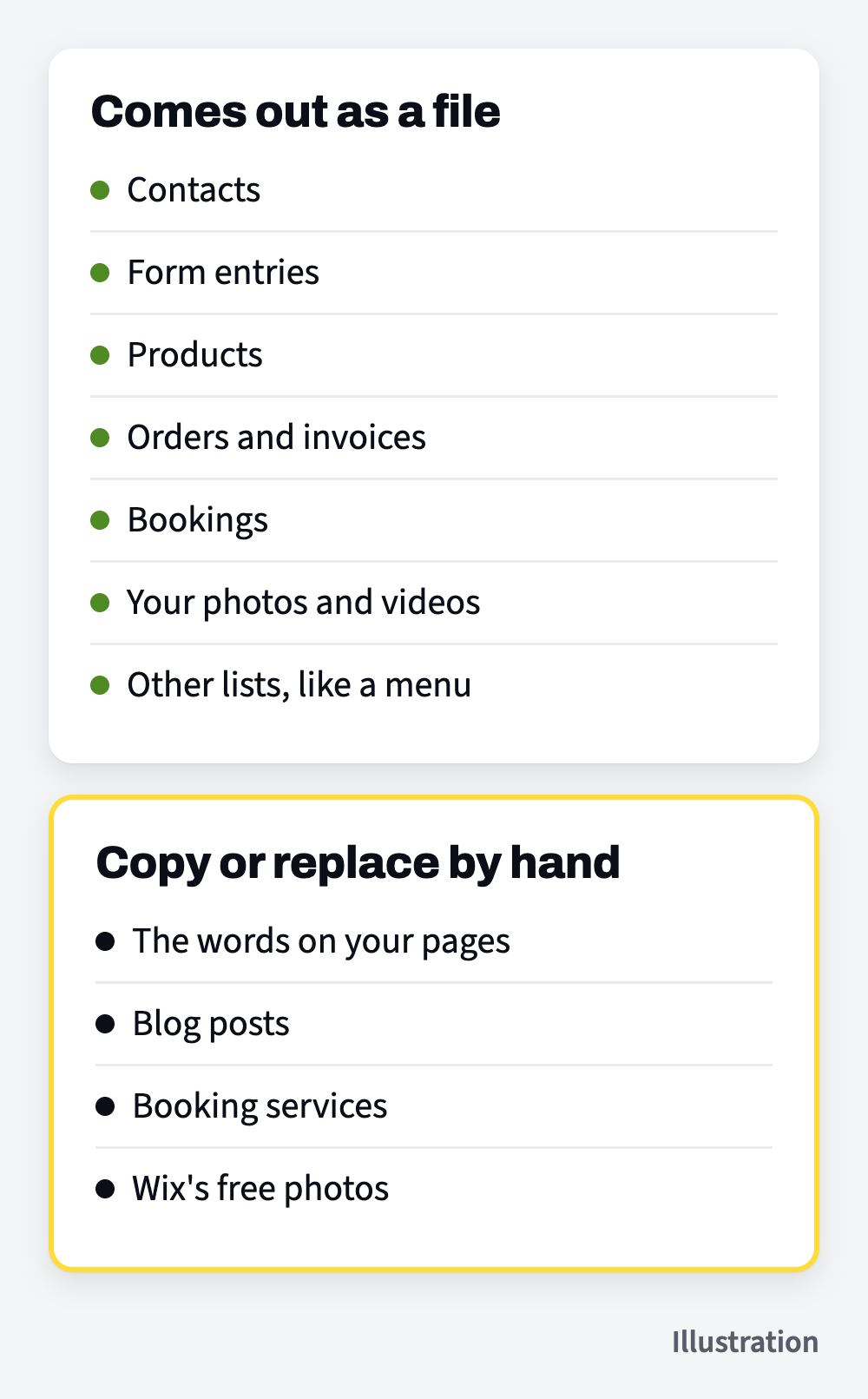
- Your page words. There's no download for the text on your pages, so copy it from your live site before you go.
- Blog posts. Wix says, "Currently, it is not possible to export blog posts to other platforms." Its blog feed for other apps "can only display up to 20 of the most recent blog posts," so the rest get copied over by hand from the live site.
- Booking services. Wix says "it's not possible to export or import the configuration of services." Write down each service's name, description, length and price before you go.
- Free photos and videos from Wix. Wix says "only images and videos that you have uploaded can be downloaded." If a page uses one of Wix's free images, plan on a replacement.
Download it all before you cancel
Download everything while your Wix site is still live, and open each file to check it before you cancel anything. If a file is missing something, it's easy to export it again while you still have the site.
Use the headings above as your checklist, and tick each one off when its file is on your computer.
Keep the files somewhere you'll find them again, named by what's in them and the date.
If you're still deciding whether to leave Wix at all, moving off Wix covers what comes with you, what stays behind and what a move costs.